Add a Backend Server
-
Navigate to UDP Config. Click on UDP Config from the left navigation menu.
-
Locate the required UDP frontend server from the list.
-
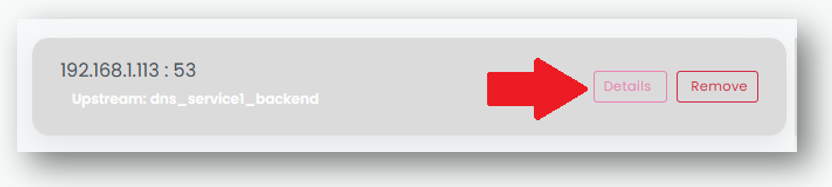
Click on Details button of the Frontend Server to which you want to add a backend (upstream) server.
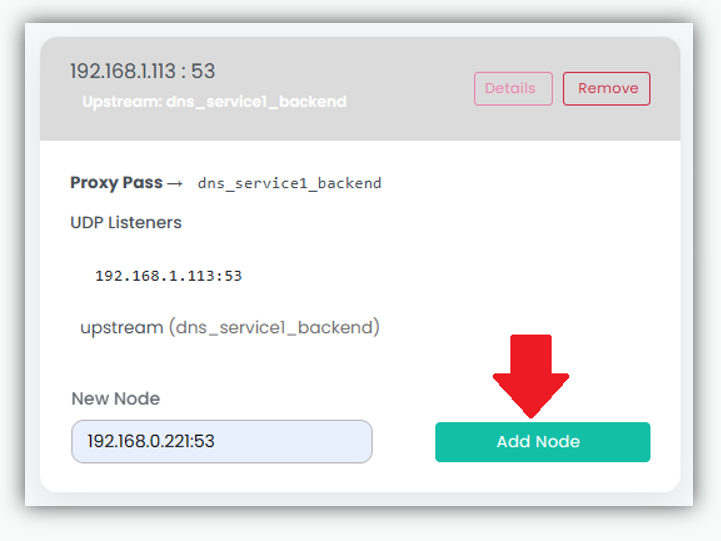
- Enter the backend server IP address and Port number in the following format. 192.168.0.222:53

- Click “Add Node” to add the new backend server.
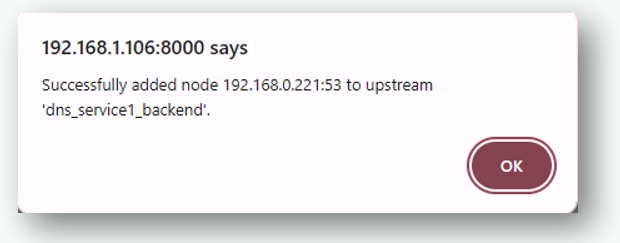
- After a backend node is successfully added to the upstream group, a confirmation dialog is displayed to indicate that the operation completed successfully.